← FieldfulPrivacy Field Manual

Privacy field manual

Know what stays in the learning project.

This manual describes the exact marks, permissions, storage, and controls in the Fieldful Android app.

CONTENTS SHEET

Every privacy note, in reading order.

  1. Policy scope
  2. Saved learning marks
  3. Search activity
  4. Bundled cards and images
  5. Accounts and profiles
  6. Network connections
  7. Android permissions
  8. Personal and sensitive information
  9. Device sensors and directories
  10. Analytics and advertising
  11. Purchases and payments
  12. Sharing, sale, and disclosure
  13. Local storage
  14. Retention and deletion
  15. Backup and device transfer
  16. Security boundaries
  17. Children and family use
  18. Policy changes and questions

FIELD TAB 1

Learning marks

Fieldful privacy illustration for Policy scope

01

Policy scope

This policy describes the Fieldful Android app.It covers the saved learning marks, preferences, bundled content, and device behavior of Fieldful version 1.0.0. It does not describe a separate website account, enrollment system, agricultural service, donation process, or organization database.
Fieldful privacy illustration for Saved learning marks

02

Saved learning marks

Fieldful remembers the choices that make the project flow useful.The app can save which cards you mark Seed or Try Next, the card identifiers in Project Row, the preparation checks in Ready Ring, and the Reduced Motion preference. Seed and Try Next are mutually exclusive for the same card.
Fieldful privacy illustration for Search activity

03

Search activity

Search filters the bundled Field Card catalog while you use it.Words entered in the Field Cards search box are used to match card titles and learning text on the screen. Fieldful does not write that phrase into its saved preferences.

FIELD TAB 2

Built into the app

Fieldful privacy illustration for Bundled cards and images

04

Bundled cards and images

The illustrated learning library is packaged with the app.Card text, family information, and illustrations are read from resources inside the installed application. Opening a card or image does not request that content from a remote content service.
Fieldful privacy illustration for Accounts and profiles

05

Accounts and profiles

Fieldful has no sign-in or account system.The app does not ask for a username, password, profile, membership identifier, youth enrollment record, or social sign-in. Saved marks belong to the local Android app installation rather than an online Fieldful identity.
Fieldful privacy illustration for Network connections

06

Network connections

The Android app does not request Internet access.Fieldful does not include the Android Internet permission and its learning-project features do not make network requests. The app has no remote Fieldful server, synchronization service, or cloud content feed.

FIELD TAB 3

Permissions & inputs

Fieldful privacy illustration for Android permissions

07

Android permissions

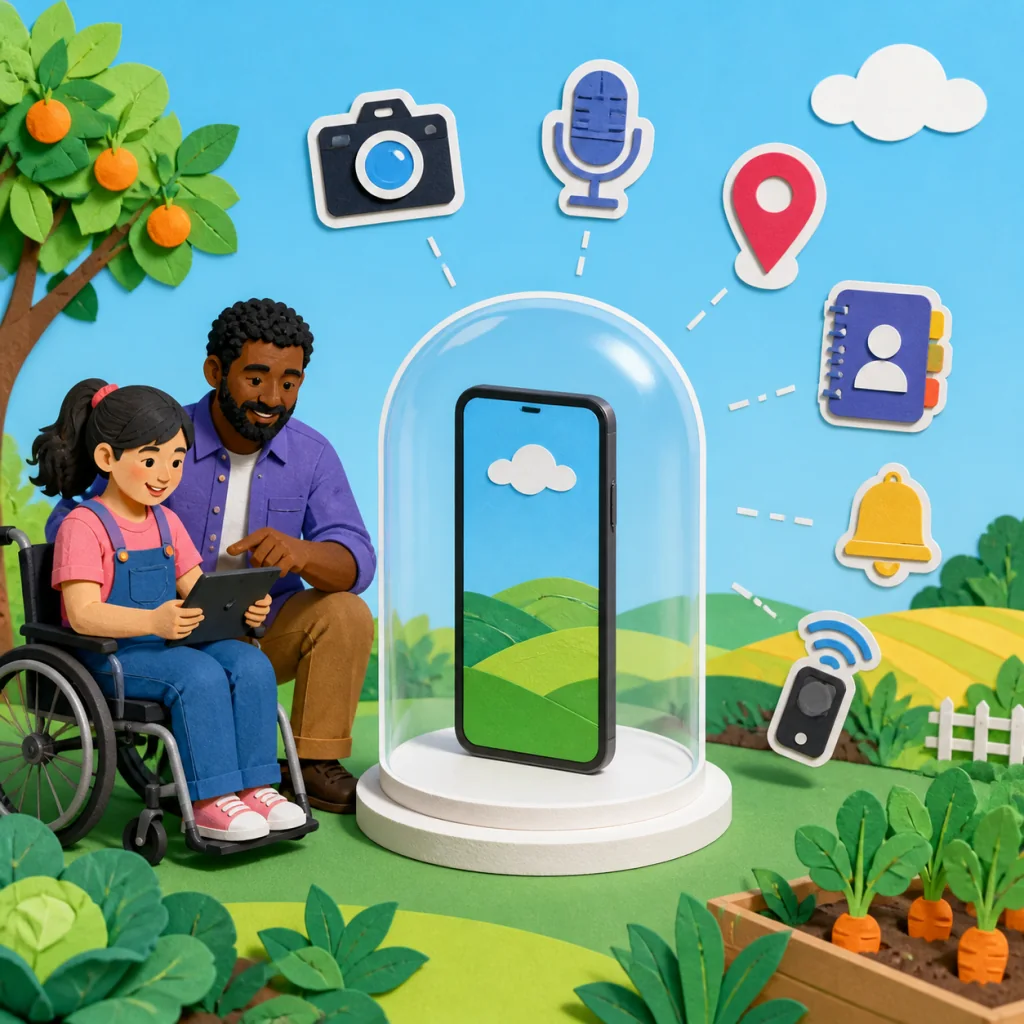
The app manifest requests no runtime or special permissions.Fieldful does not ask Android for contacts, precise or approximate location, camera, microphone, photos, media, nearby devices, notifications, calendar, phone, SMS, or health information.
Fieldful privacy illustration for Personal and sensitive information

08

Personal and sensitive information

The project flow does not provide fields for personal records.Cards and Ready Ring checks are structured choices, not free-form forms for names, email addresses, phone numbers, school records, health details, financial details, eligibility information, participant profiles, or identifying notes.
Fieldful privacy illustration for Device sensors and directories

09

Device sensors and directories

Fieldful does not read from device sensors or personal directories.There is no feature for taking a photo, recording audio, reading contacts, tracking location, scanning nearby devices, or importing a calendar. The app does not upload media or address-book information.

FIELD TAB 4

Third parties

Fieldful privacy illustration for Analytics and advertising

10

Analytics and advertising

No analytics, attribution, advertising, or crash-reporting SDK is included.Fieldful does not create advertising identifiers, marketing profiles, engagement events, or third-party analytics records. The app does not display advertisements or personalized promotions.
Fieldful privacy illustration for Purchases and payments

11

Purchases and payments

Fieldful has no billing or payment feature.The app does not contain subscriptions, in-app products, payment forms, donation processing, grant disbursement, or a wallet. It does not collect payment-card or bank information.
Fieldful privacy illustration for Sharing, sale, and disclosure

12

Sharing, sale, and disclosure

Saved learning marks are not sent to the developer or another company.Because Fieldful has no server connection, analytics SDK, advertising SDK, or account system, it does not sell, rent, or transmit the app’s saved project marks to third parties.

FIELD TAB 5

Storage & control

Fieldful privacy illustration for Local storage

13

Local storage

Learning marks are stored in Android app preferences on the device.Fieldful uses private application preferences for Seed, Try Next, Project Row, Ready Ring, and Reduced Motion. The operating system controls the app’s private storage boundary and device-level access.
Fieldful privacy illustration for Retention and deletion

14

Retention and deletion

Saved marks remain until you clear them or remove the app data.The Clear field marks control in Canopy removes Seed, Try Next, Project Row, and Ready Ring choices while keeping the Reduced Motion preference. Android Clear storage or uninstall removes the app preference file, including that remaining preference.
Fieldful privacy illustration for Backup and device transfer

15

Backup and device transfer

Fieldful excludes preference data from cloud backup and device transfer.The application data-extraction rules exclude the shared-preference directory from Android cloud backup and device-to-device transfer. A new installation therefore begins without marks from another installation.

FIELD TAB 6

Care & updates

Fieldful privacy illustration for Security boundaries

16

Security boundaries

The app minimizes exposure by keeping its saved state small and local.Fieldful relies on Android application storage protections and does not transmit project marks. No device or software can be guaranteed completely secure, so device lock, system updates, and control of physical access remain important.
Fieldful privacy illustration for Children and family use

17

Children and family use

Fieldful is a general learning-project tool rather than a child account service.The app does not create youth profiles or ask children for personal details. Every real activity involving a young learner should be guided by a responsible adult under current safeguarding, land-access, safety, school, and public requirements.
Fieldful privacy illustration for Policy changes and questions

18

Policy changes and questions

This manual should change when the shipped app behavior changes.The current policy is dated September 2, 2026. If Fieldful later adds a permission, connection, account, SDK, or new storage behavior, the policy and store disclosures should be updated before that version is released. Privacy questions can use the developer contact shown on the app’s store listing.